How to plan your PC gaming backlog in 2026
A large game library can feel more like homework than a hobby. This guide offers simple ways to sort, prioritize and enjoy what you already own.
Why backlogs grow so quickly on PC
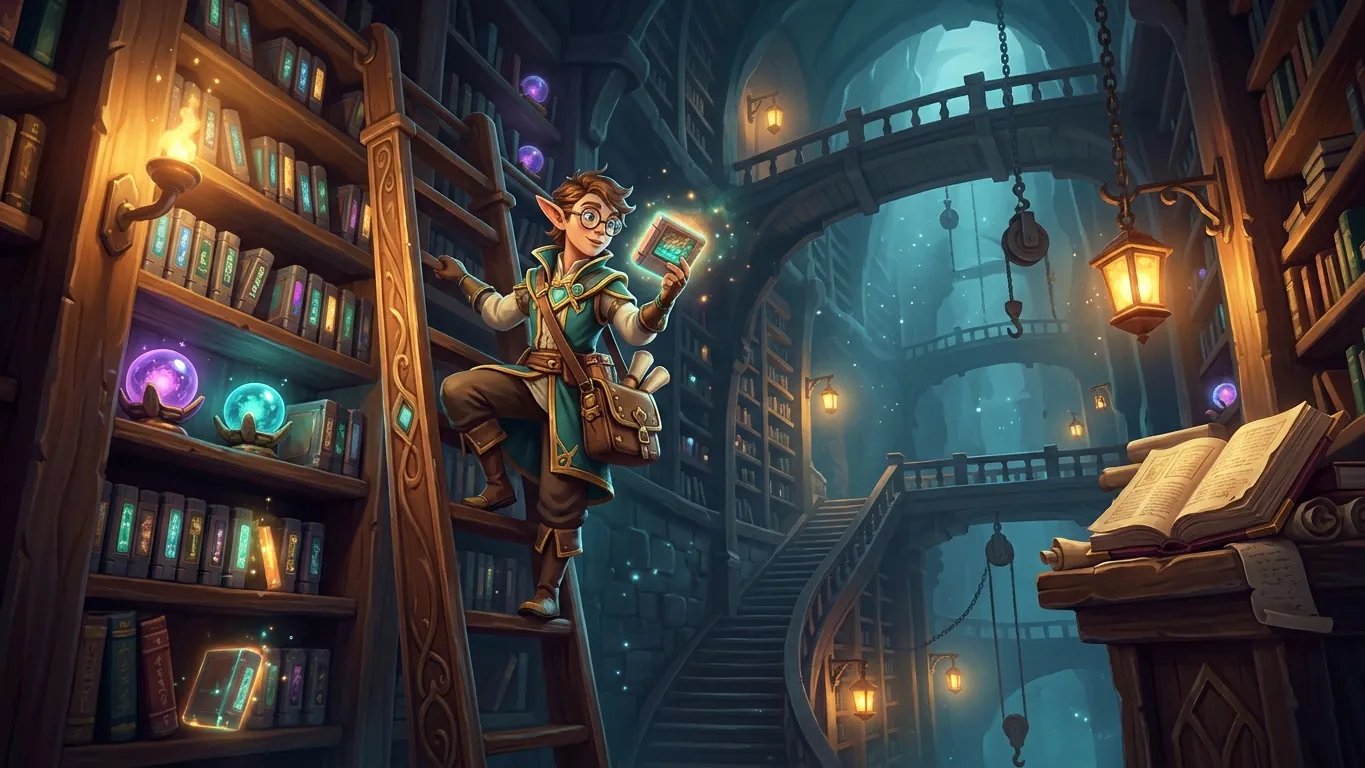
Playing on PC makes it easy to collect games. Seasonal sales, bundles, free giveaways and the sheer number of releases mean a library can double long before you finish what you started. None of this is a problem in itself. A backlog only becomes uncomfortable when it starts to feel like an obligation rather than a menu of possibilities.
The first step is a change in mindset. Think of your library as a shelf of options you are lucky to have, not a list of tasks. Some games will be played for twenty minutes and set aside, and that is fine. Others will become long-term favorites. The purpose of planning is not to finish everything but to spend your limited time on the experiences you are most likely to enjoy.
Sort by mood and session length
Most people sort games by genre, but a more useful approach is to sort by how a game fits into your week. Try dividing your library into three loose groups: short-session games you can enjoy in fifteen to thirty minutes, medium games that suit an evening, and long games that reward extended attention.
Then add a second layer based on mood. Some days call for something relaxing and low-pressure, while others invite a demanding challenge or a story you can sink into. When you sit down to play, you can ask two simple questions: how much time do I have, and what kind of experience do I want? The answer will usually point to just a few titles, which removes a surprising amount of decision fatigue.
A simple routine for choosing what to play next
This routine takes a few minutes and can be repeated whenever you finish or drop a game.
- 01
Review your library
Scroll through everything you own and hide or archive anything you are certain you will not return to.
- 02
Pick a short list
Choose no more than five games that genuinely interest you right now and keep them visible.
- 03
Commit to one main game
Select a single main game for longer sessions and one lighter game for short breaks.
- 04
Check in after a week
If a game is not holding your interest, move on without guilt and pick the next one from your list.
Think twice before adding more
Planning a backlog also means being thoughtful about new purchases. Before buying a game, it can help to ask whether you would start it within the next month. If not, consider adding it to a wishlist instead. Wishlists keep track of your interests without adding pressure, and they give you time to read about a game, watch footage and decide whether it still appeals once the initial excitement fades.
It is also worth checking whether a game has a demo. Many PC releases offer one, and a short trial can tell you more about whether a game suits you than any amount of reading.
Let go of the idea of finishing everything
The healthiest backlog is one you feel relaxed about. Dropping a game you are not enjoying is a sensible use of your free time, not a failure. Some players find it helpful to keep a short journal of what they played and what they thought, which turns the library into a personal record of discoveries rather than a scoreboard.
In 2026, as in any year, there will always be more games than time. Choosing carefully, playing at your own pace and returning to old favorites when you feel like it is a perfectly good way to enjoy the hobby.
Related articles
 PC graphics settings explained, one option at a time
A plain-language guide to common PC game graphics settings, what each option changes, and which ones to adjust first for smoother play.
Read more
 PC game genres worth trying this year
Curious about stepping outside your usual games? A friendly look at PC genres worth trying in 2026 and what each offers different kinds of players.
Read more
 Upscaling and frame generation, explained simply
What upscaling and frame generation do in modern PC games, how they affect image quality and responsiveness, and when it makes sense to turn them on.
Read more