How to read PC game system requirements
System requirement lists can be confusing. This guide explains what each line means and how to compare it sensibly with your own computer.
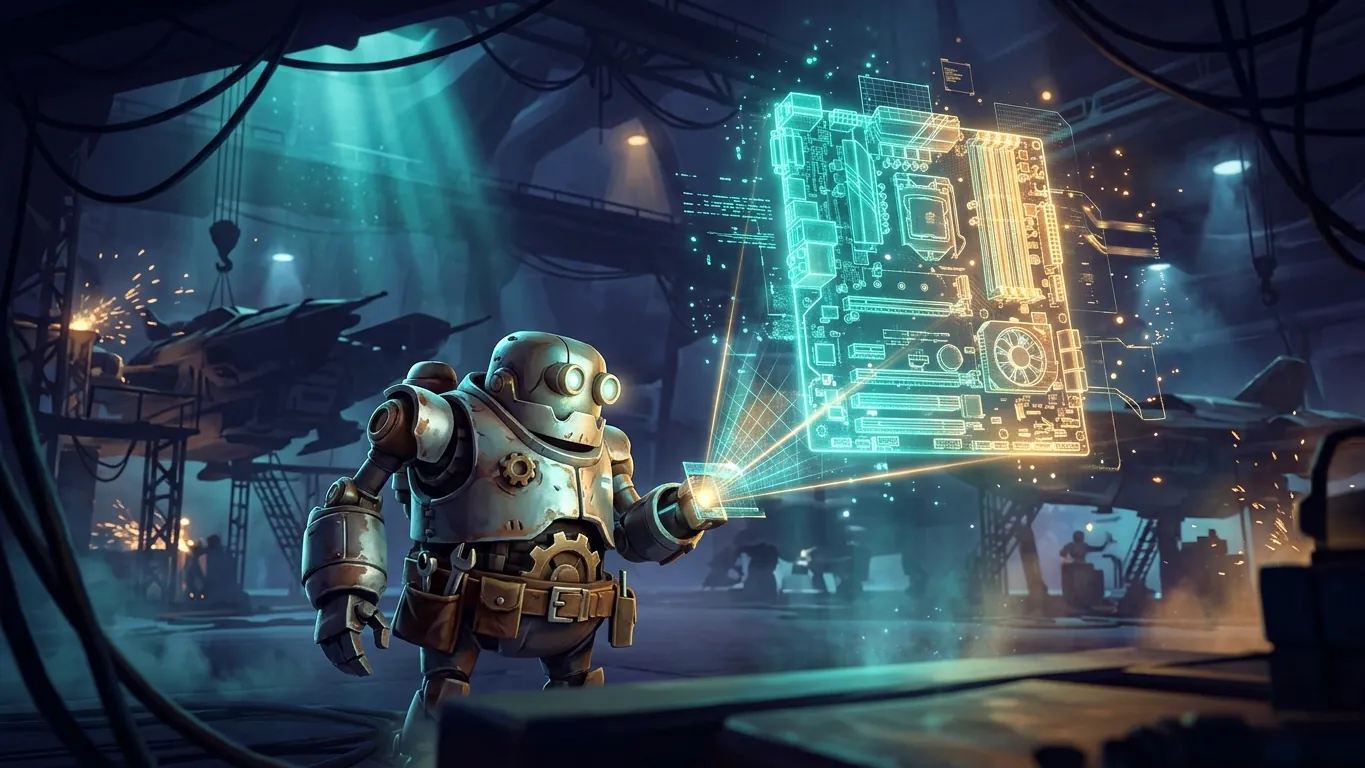
Minimum versus recommended
Most PC games publish two sets of specifications. Minimum requirements describe the lowest hardware on which the game is expected to start and run, usually at low settings and a modest resolution. Recommended requirements describe hardware that should provide a more comfortable experience, often at medium or high settings.
It is important to read these lists as general guidance rather than precise promises. Developers test on specific configurations, and the exact resolution and frame rate behind each tier are not always stated. Some publishers now provide more detailed tables listing target resolution and frame rate, which are far more useful when available.
Finding your own specifications
Before comparing anything, you need to know what is inside your computer.
- 01
Check the processor
Your operating system's system information panel lists the processor model and its speed.
- 02
Identify the graphics card
The display settings or device manager shows your graphics card model and its video memory.
- 03
Note your memory
Look up how much system memory, or RAM, is installed.
- 04
Measure free storage
Check how much free space is available and whether the drive is a solid-state drive.
Comparing processors and graphics cards
The trickiest part is comparing your components with those listed. Hardware model names are not always intuitive, and a newer number does not automatically mean better performance. A graphics card from a lower tier of a recent generation might perform similarly to a higher-tier card from an older one.
Independent benchmark comparisons and hardware review sites can help you see roughly where your components stand relative to the listed ones. As a general rule, the graphics card has the biggest effect on visual settings and resolution, while the processor matters most in games with many simulated units, large open worlds or complex physics, such as strategy and simulation titles.
Memory, storage and other details
System memory requirements are usually straightforward. If a game lists a certain amount, having less may cause stuttering or long loading times. Video memory on the graphics card matters too, especially for high texture settings.
Storage has become more significant. Many modern games are large, and some list a solid-state drive as a requirement rather than a suggestion, because they stream assets quickly as you move through the world. Running such a game from a traditional hard drive can lead to slow loading or visual pop-in. Also check the operating system version and any special requirements, such as support for specific graphics features.
When your hardware falls in between
Often your computer will sit somewhere between minimum and recommended. That is usually workable. You can lower settings, use upscaling if available, or reduce resolution slightly. If your hardware is below minimum in one area, such as an older processor, the game may still run, but with uneven performance in demanding sections.
When in doubt, look for a demo, check whether the store you use offers a refund window under its own policies, or read impressions from players with similar hardware. Taking a few minutes to compare specs before buying can save a lot of frustration later.
Related articles
 Early access games: what to know before you dive in
An explainer on early access PC games: how the model works, its benefits and risks, and questions to ask yourself before you decide to join in.
Read more
 Why independent games still matter on PC
An opinion piece on why independent games remain essential to PC gaming in 2026, and how curious players can discover inventive smaller projects.
Read more
 Building a comfortable PC gaming setup
Practical tips for arranging a comfortable PC gaming space: monitor placement, seating, lighting, audio and breaks, with a reminder to seek expert advice.
Read more